COGATgifted
CogAT
Grades K–8
The most comprehensive CogAT test preparation companion.
Find the right workbook for your child's assessment, practice on paper, and use the answer keys and title-specific resources included with that book to make the next study session more focused.
Or browse the complete catalogCompanion features vary by title. Supported CogAT books include the TestPrepGenius Weakness Finder; other resources are listed on the individual book or owner-access page where they apply.
The TestPrepGenius approach
Shopping? Open the test-series guide, match the grade and subject, then compare the books that apply. Already own one? Use the separate owner button to open the QR-style resource flow.
Grades K–8
The most comprehensive CogAT test preparation companion.
Grades K, 1
IOWA Test preparation companion.
Grades 3–5
The ultimate companion for Texas STAAR test preparation.
Grades 3, 6, 9, 9-10, 10
Companion resources for Ontario EQAO assessments (Grade 3, 6, 9) and the OSSLT (Grade 10).
Grades K–4
Companion resources for Canadian Cognitive Abilities Test preparation.
Grades 3–6
Math and ELA for Grades 3–6, plus Science for Grade 5.
Grades K–8
Florida FAST practice for Kindergarten through Grade 8.
Browse TestPrepGenius books by assessment, grade, and subject. Open any title to see the actual cover, buying options, and the resources or features listed for that specific book.
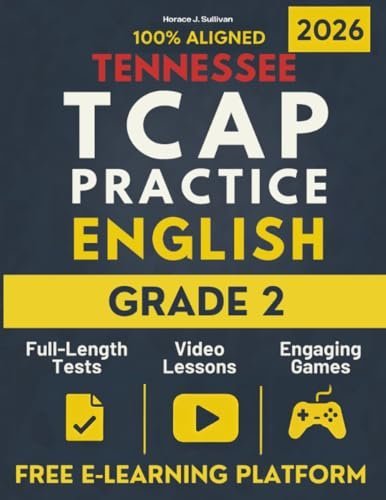
tcap · Grade 2
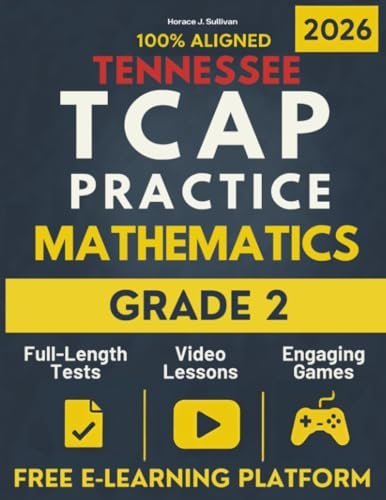
tcap · Grade 2
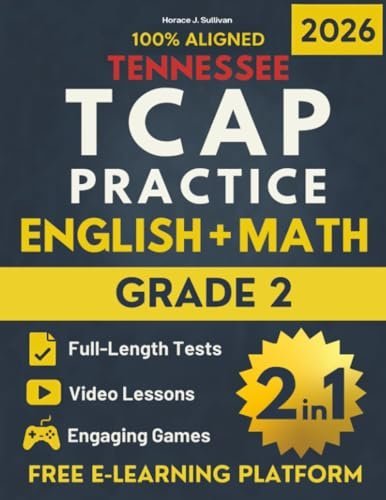
tcap · Grade 2
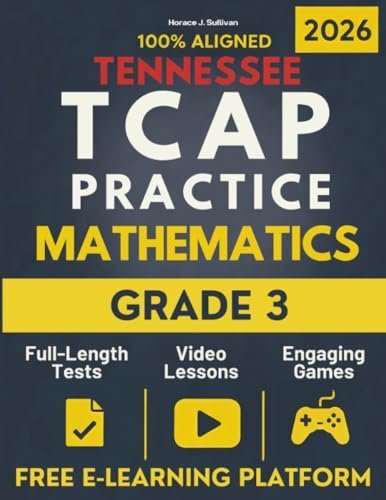
tcap · Grade 3
TestPrepGenius is built around a simple idea: a practice test is more useful when parents can quickly understand what went wrong and decide what to do next. The exact support available depends on the book you own.
Start with the assessment, grade, and subject or volume. Every product page should make it clear exactly which child and test the book is designed for.
Use the workbook for realistic practice, then review the answer key to identify the questions your child missed and the areas that deserve another look.
Some books include additional answer support, audio, scoring guides, diagnostics, or other online resources. Features vary by title and are listed where they apply.
Supported CogAT books include a faster Weakness Finder: open the answer key, tap only the questions your child missed, and see which sections need the most attention. CCAT support is planned next.
The website is designed to support the workbook, not make parents repeat information the QR code already knows.
Start with your child's assessment, then match the grade, subject, and volume that fits what they are preparing for.
Complete the workbook practice and use the answer key to identify mistakes. Detailed explanations and other support are included only where the title lists them.
If your title includes online support, open it from the QR path. Supported CogAT books can turn the missed questions into a Weakness Report; other series show the resources included with that book.
Already own one of our books? Scan the QR code in that series. The landing page already knows the test family, then asks only for the grade and purchased volume when that information is needed to open the right resources and keep recommendations relevant.
Choose the test series below. New customers can browse the matching books; existing customers can use the same series path to identify their grade and purchased volume and open the resources included with that title.